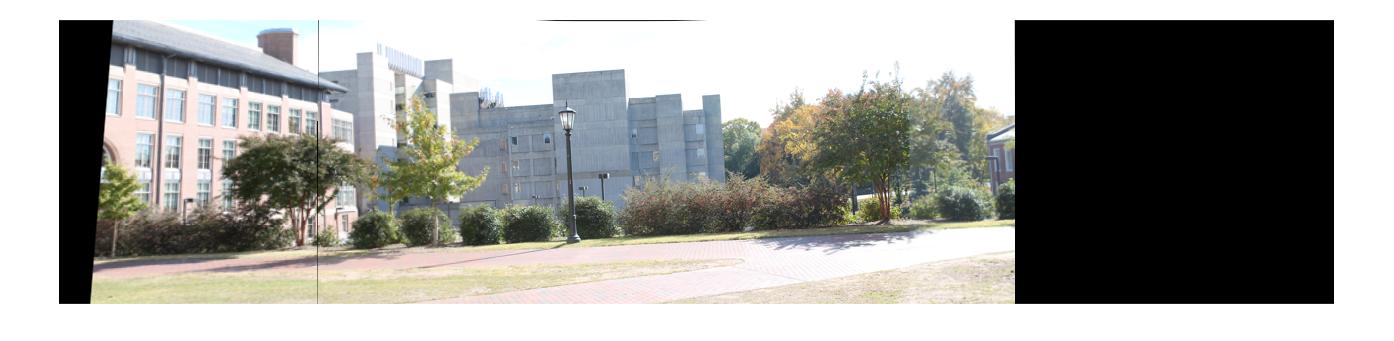
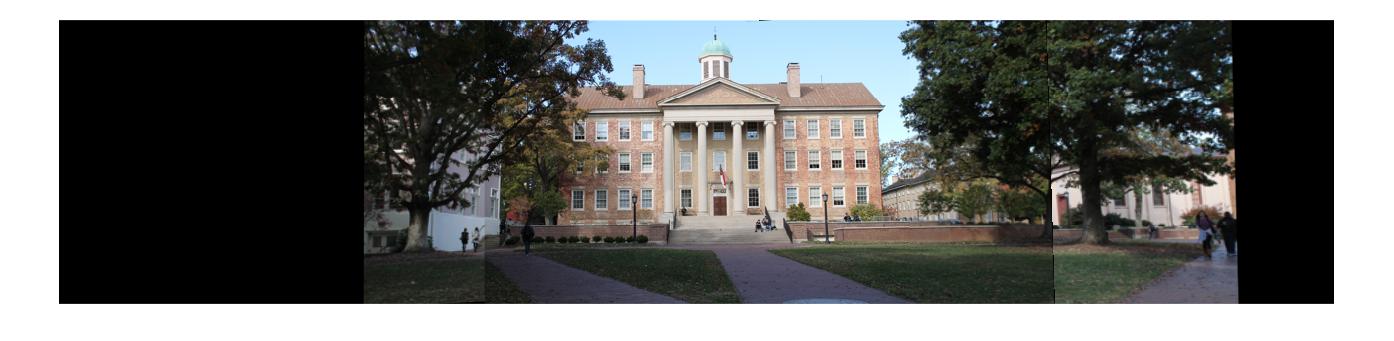
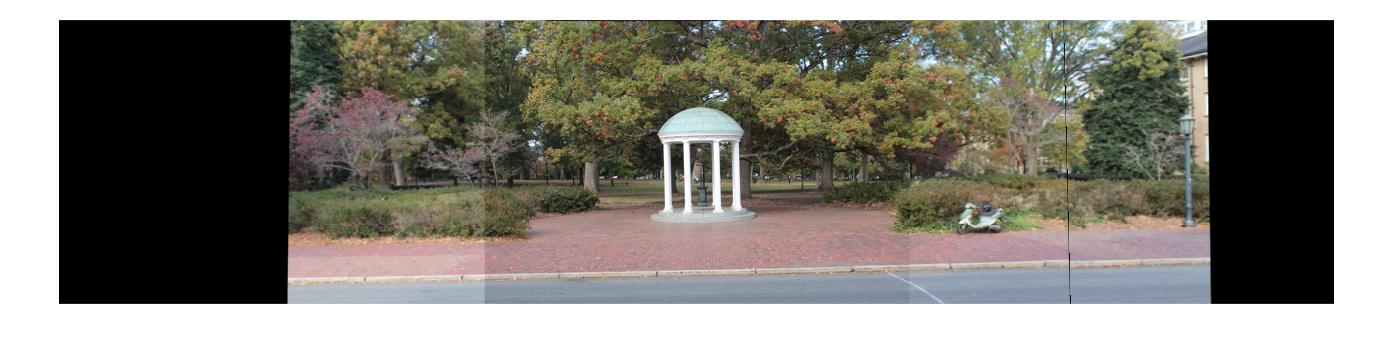
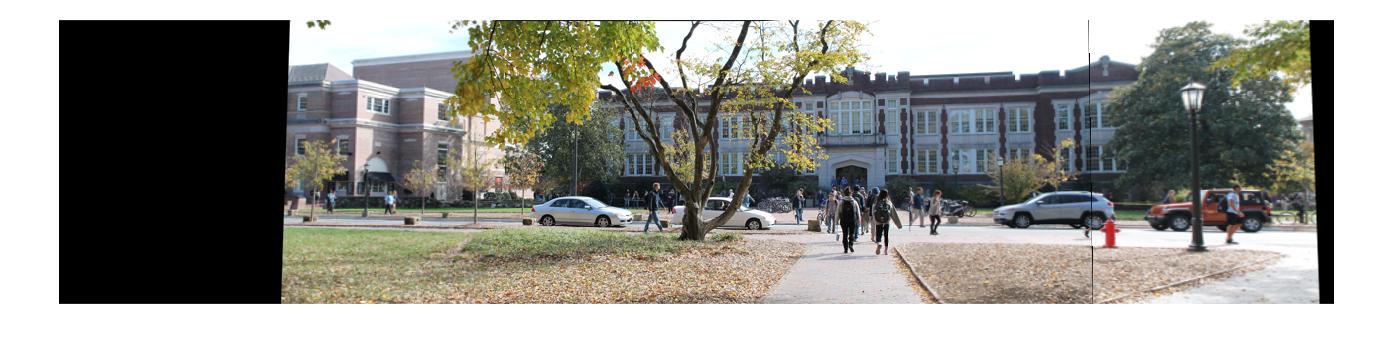
Assignment 4
Part I: Panorama using hand-specified correspondences
Description
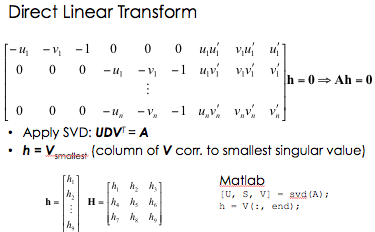
The purpose of this assignment was to explore methods of creating panoramic images. The first part of the assignment involved hand-selecting points of correspondence between the images and using these corresponding points to stitch the images together. I chose to only select four points from each image since selecting points is so time-costly, but if I had chosen to select more points from each image my results would have turned out better. Once the points were selected, I needed to compute the homography matrix H (x'=Hx). I used the notes from the lecture slides as a reference for this part.
Algorithm and Implementation
- Obtain pictures to use for the panorama image. Pictures should overlap.
- Select points of correspondence in the images.
- Calculate the homography matrix H.
- Use the calculated H matrix to determine the translated points x'.
-
- Apply the transformation to get images on the same plane and output the images.
The Matlab code for this part can be found here.
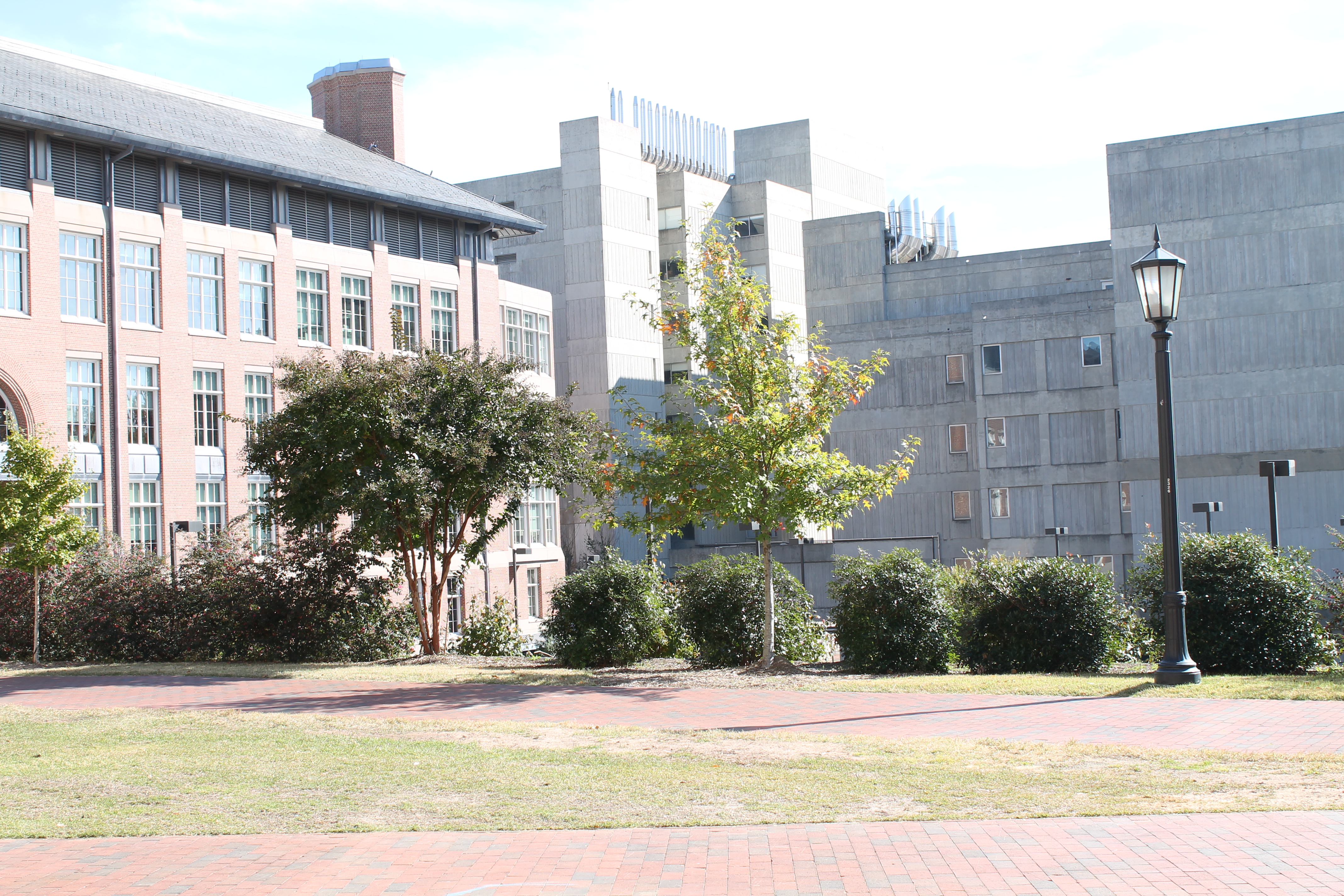
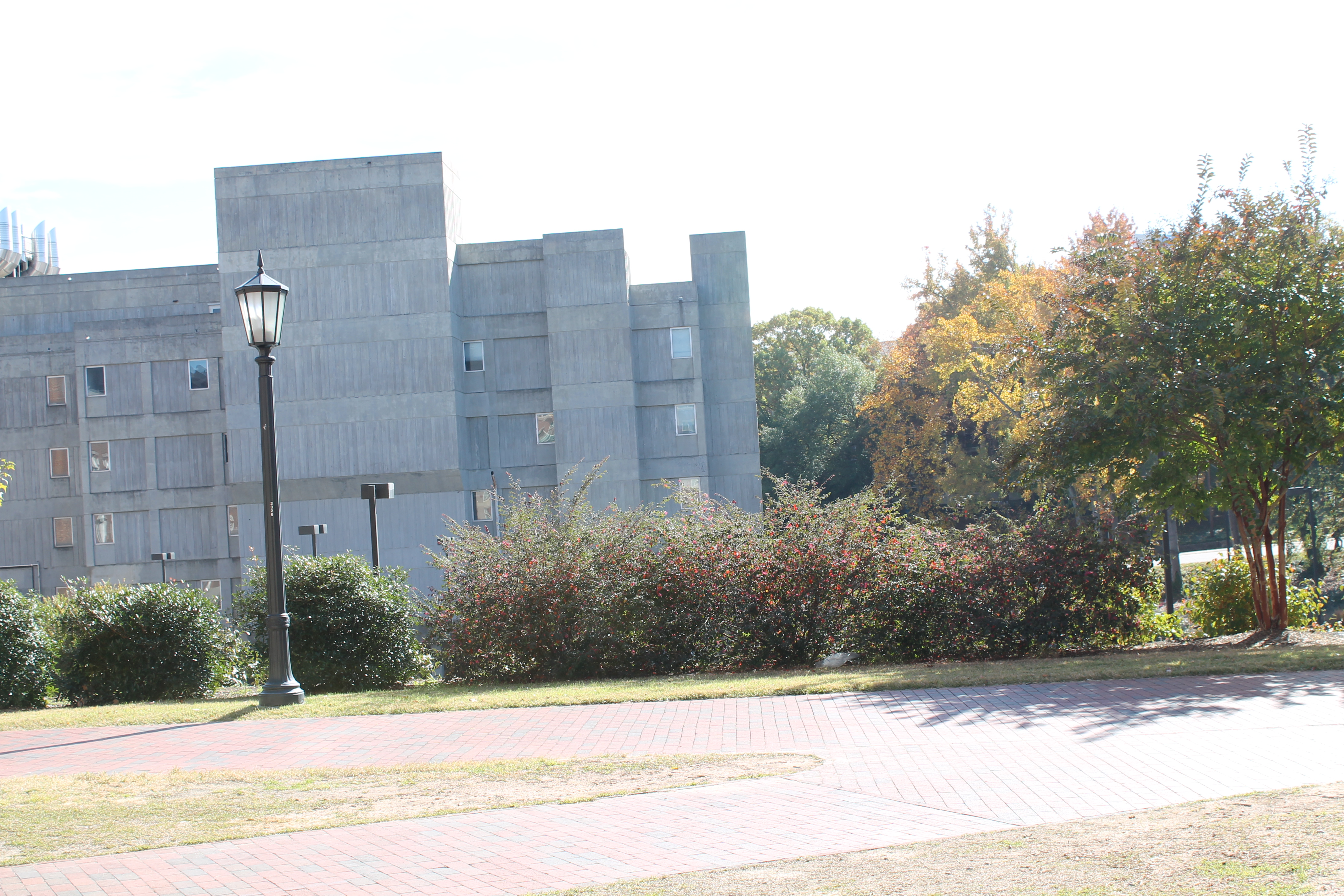
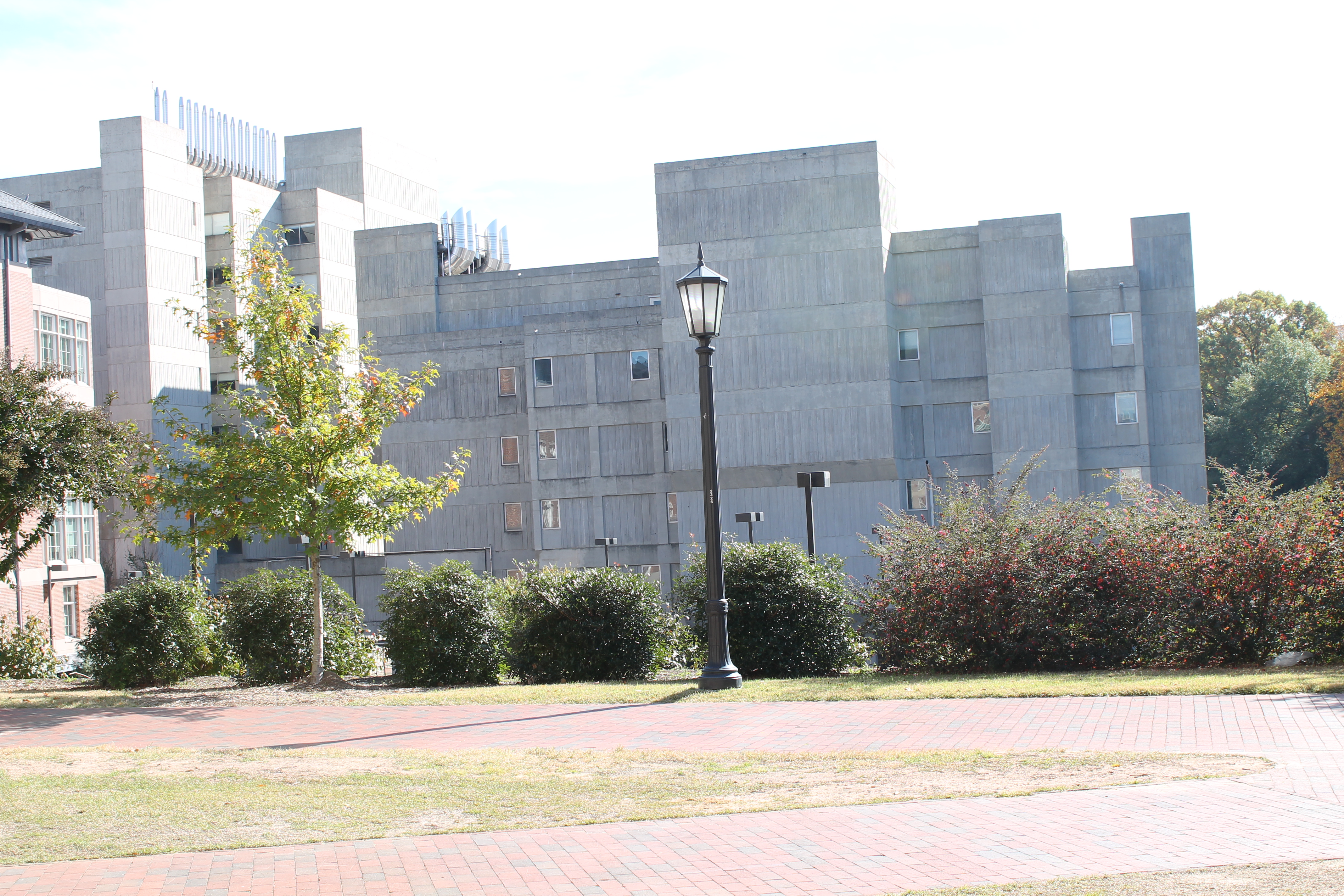
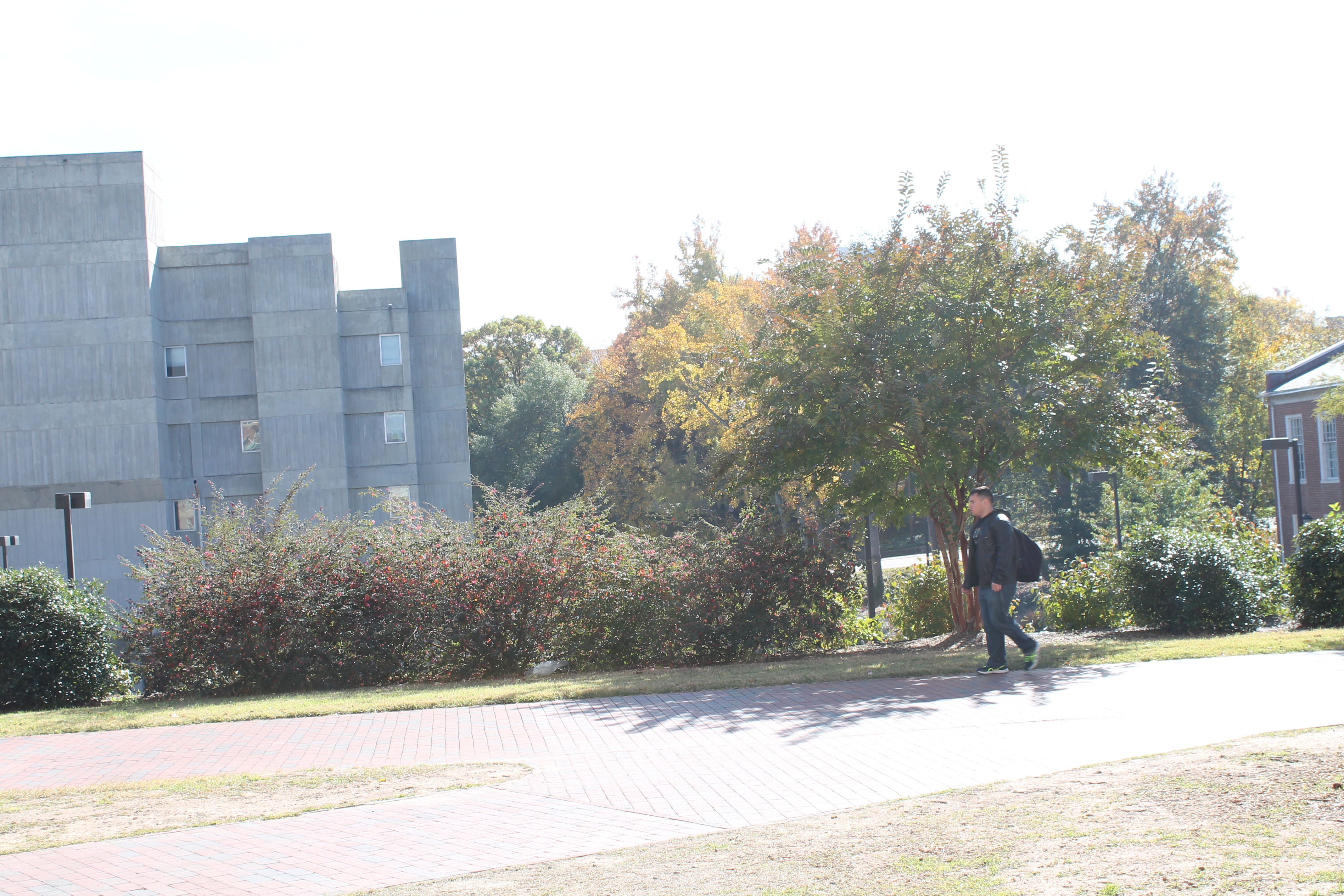
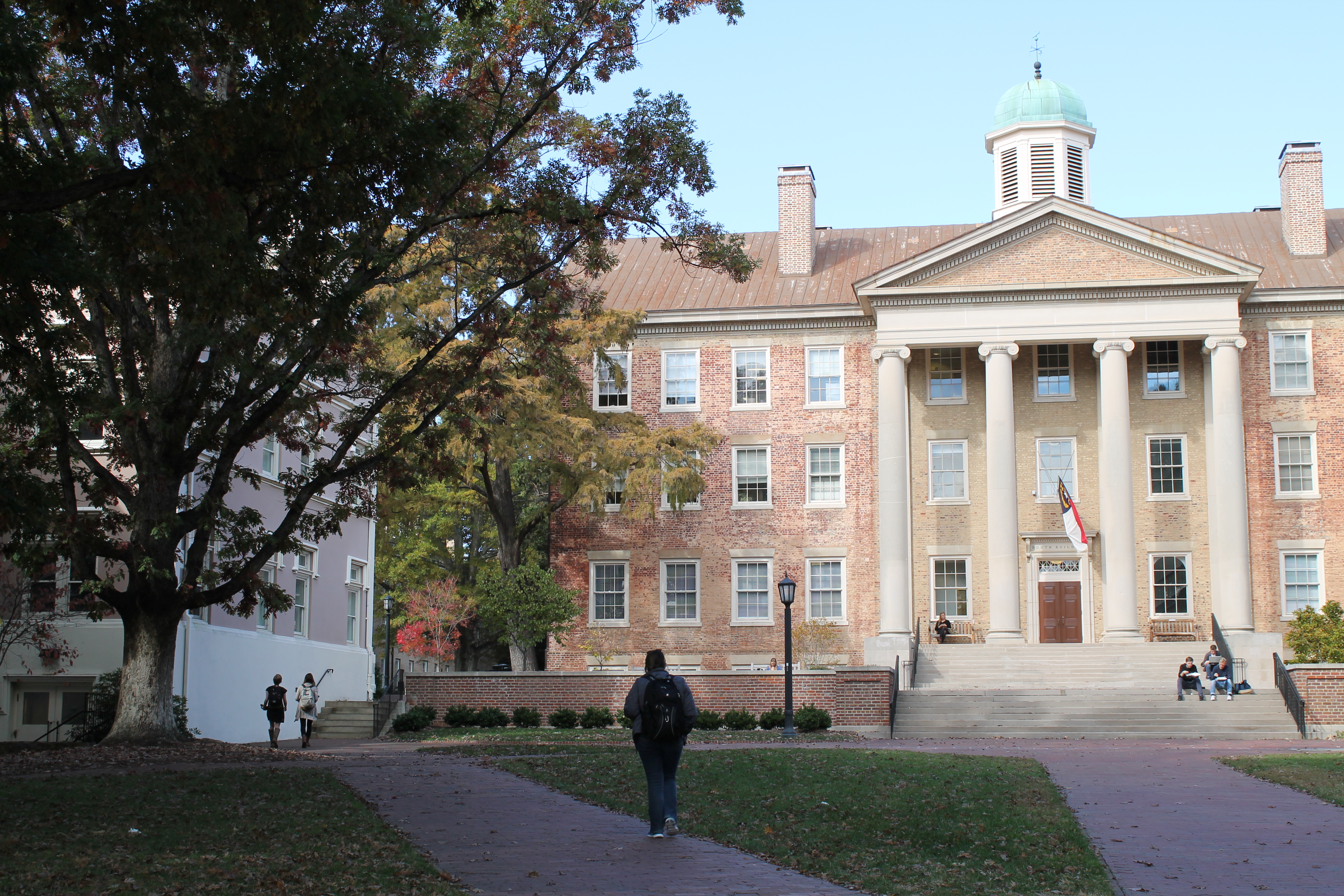
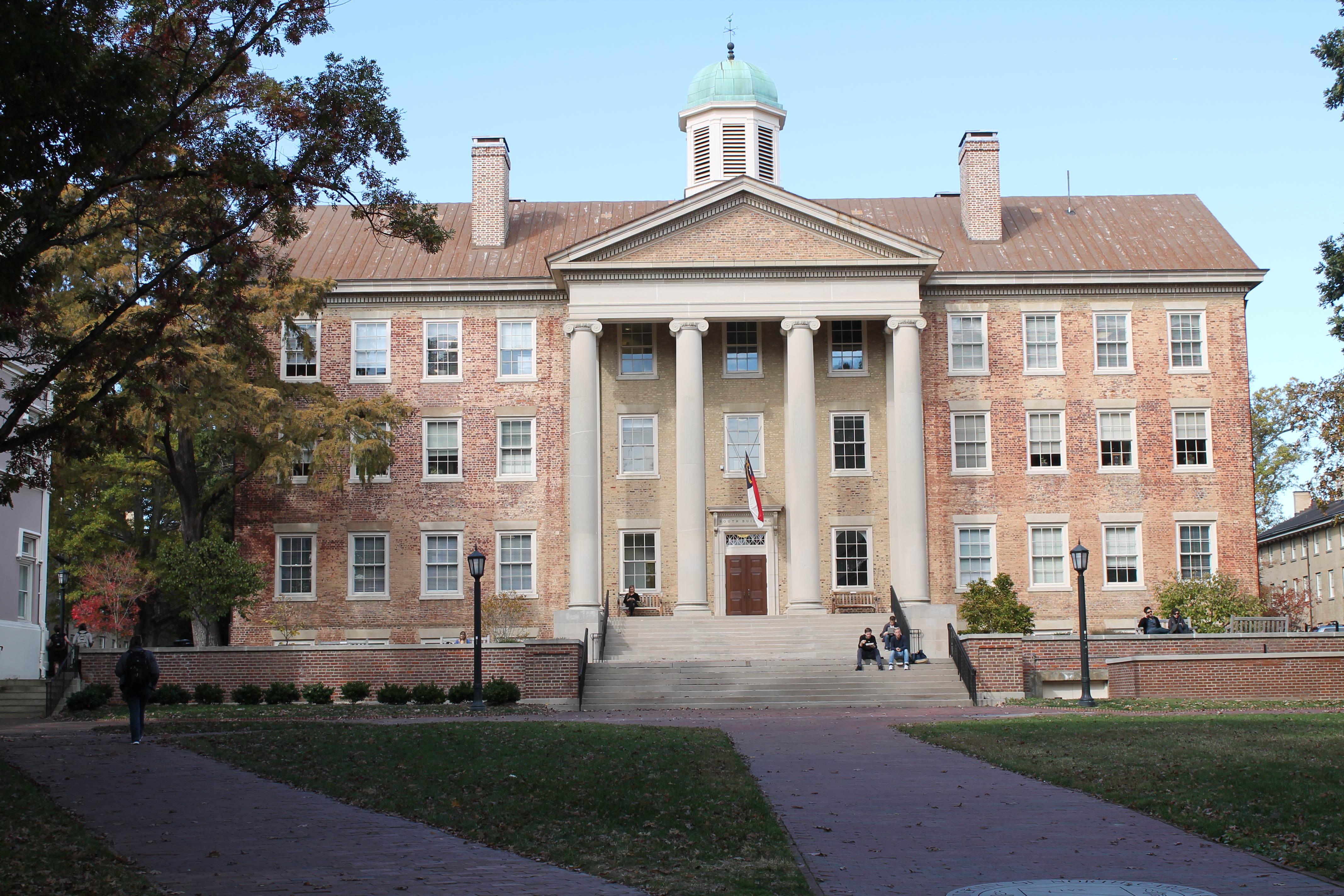
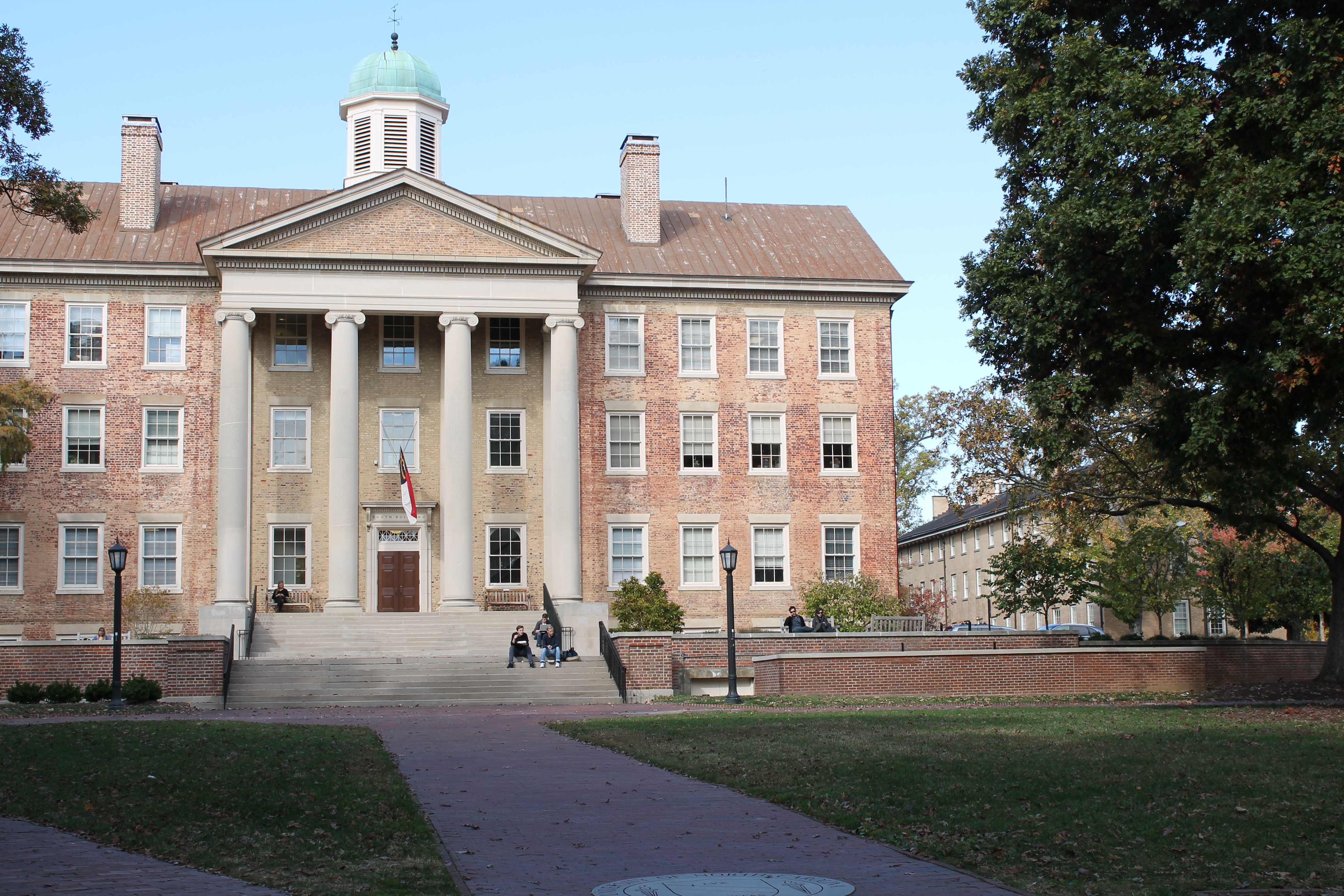
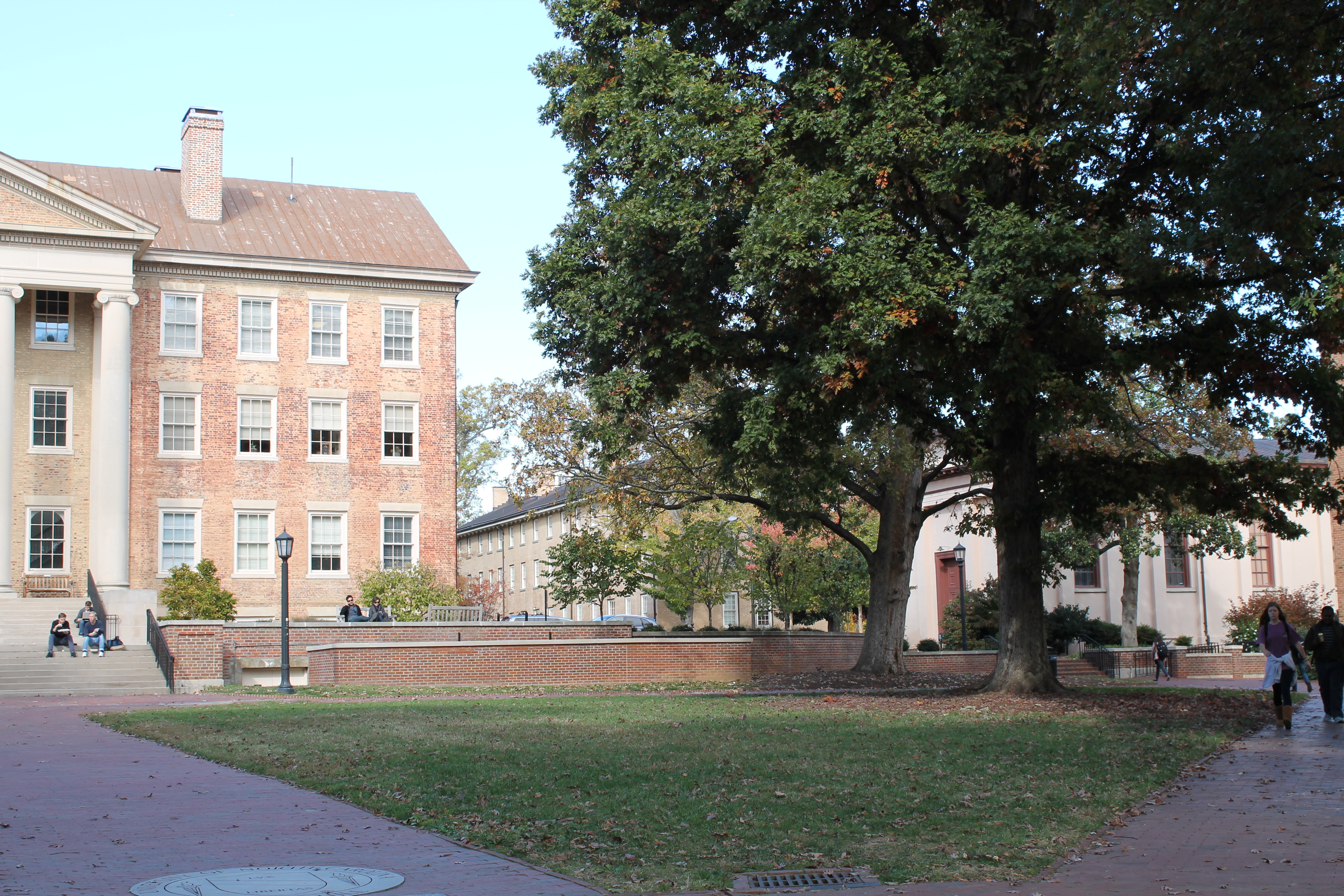
Note: I did not include results for this section because combining the images with the hand-specified correspondences did not work for me. It is most likely due to an error either in calculating the homography matrix or in adjusting the points (since I displayed all images together and then had to adjust the x-coordinates to all be in the same scale). Below are the original images with the hand-specified points of correspondence.
| Images with selected points of correspondence |
|---|
| Images with selected points of correspondence |
|---|
Part II: Panorama Images using automatic correspondence
This part is similar to the first part, except we want the program to automatically find the points of correspondence between images without manually selecting points. I used the SIFT algorithm to do this. I used the VL Feat open source library rather than writing my own SIFT code. Once I found the points of correspondence, I used the same calculations from part I to find the homography matrices for the images. I decided to use the second image in each of my series of images as my 'stable image' (so all homography matrices were calculated with respect to the second image).
Algorithm and Implementation
- Obtain pictures to use for the panorama image. Pictures should overlap.
- Use SIFT algorithm to automatically find points of correspondence.
- Calculate the homography matrix H.
- Use the calculated H matrix to determine the translated points x'.
- Apply the transformation to get images on the same plane and output the images.
The Matlab code for this part can be found here.
Results
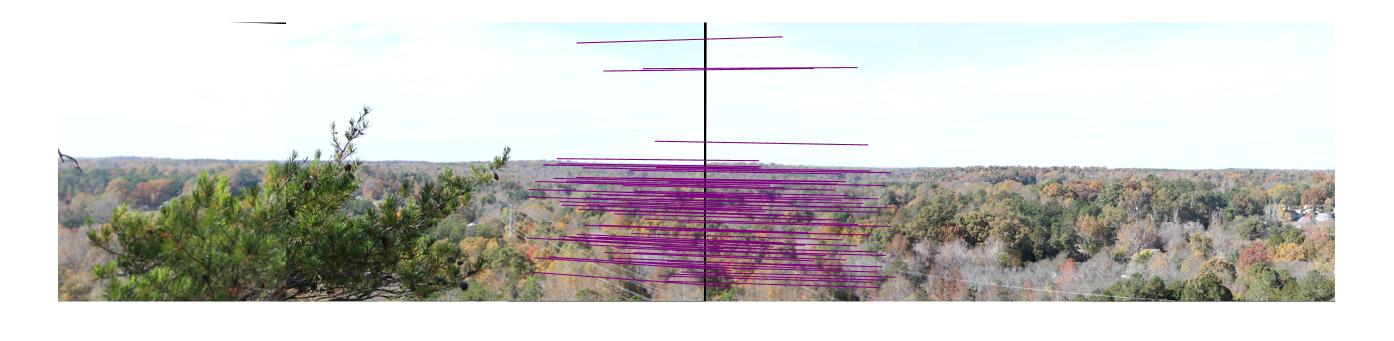
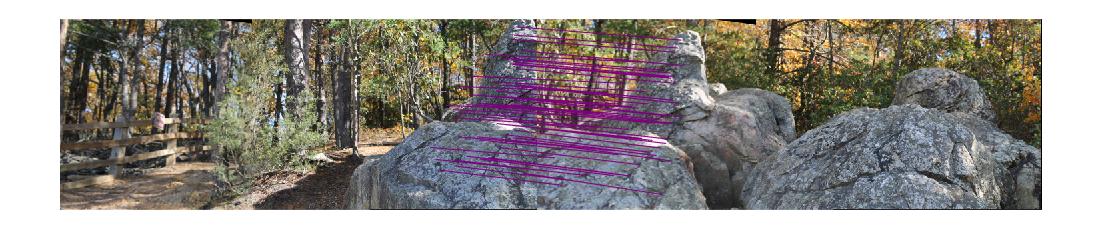
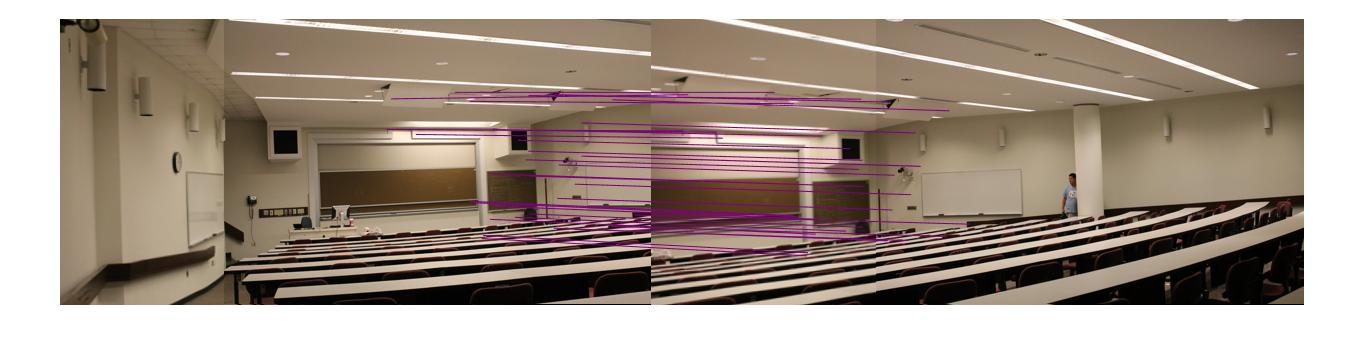
Note: In the following images there was sufficient overlap to use image 2 as the 'stable image' on which all transformations were based. The correspondence lines in these images demonstrate the following:
green = correspondence between image 1 and 2
blue = correspondence between 2 and 3
purple = correspondence between 2 and 4.
| Images with points of correspondence |
|---|
| Images with points of correspondence |
|---|
| Images with points of correspondence |
|---|
| Images with points of correspondence |
|---|
| Images with points of correspondence |
|---|
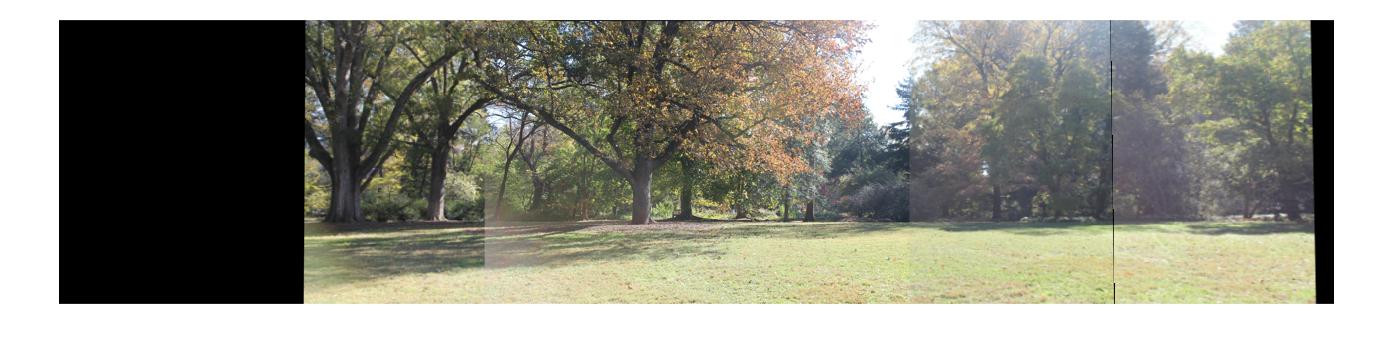
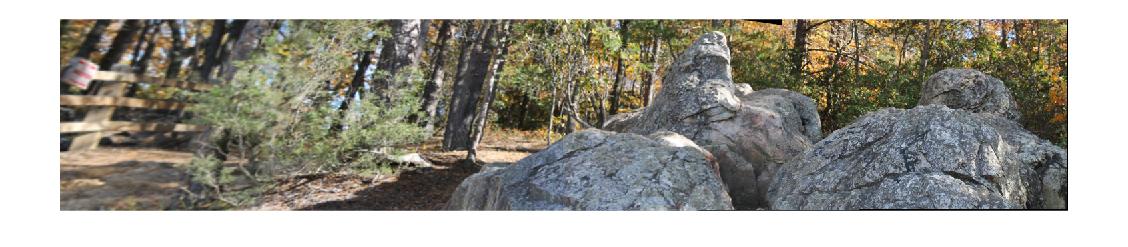
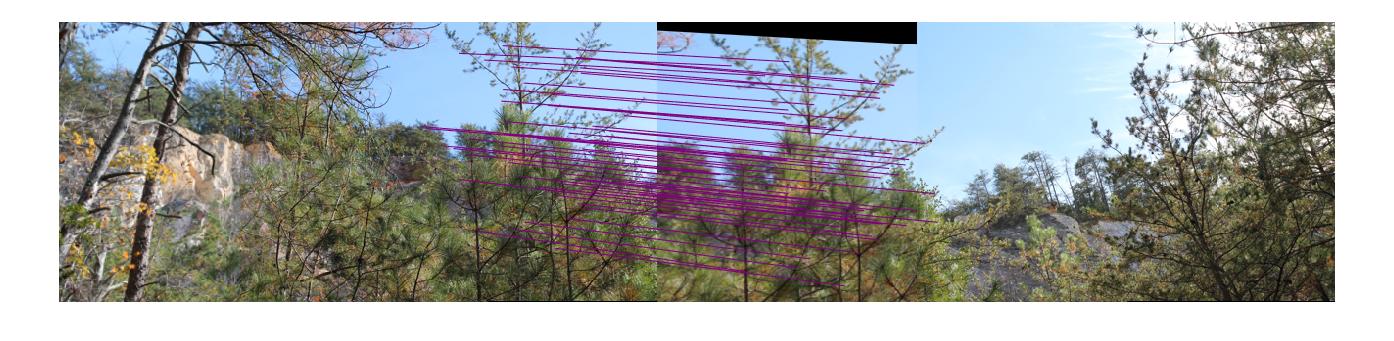
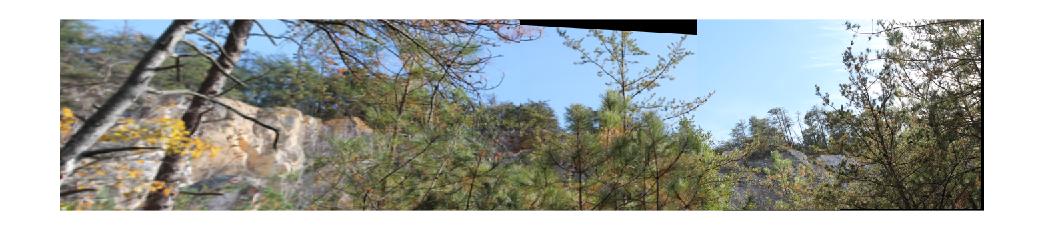
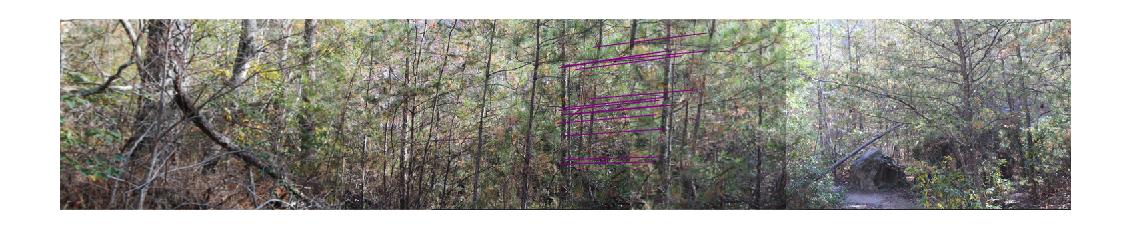
Note: In the following images there was NOT sufficient overlap to use image 2 as the 'stable image'. Instead, I stitched image 1 and image 2 together, then image 3 and image 4 together, and then stitches those results togther. The correspondence lines in these images demonstrate the following:
green = correspondence between image 1 and 2.
blue = correspondence between 2 and 3.
red = correspondence between 3 and 4.
purple = correspondences between stitch(image 1 & 2) and stitch(image 3 & 4).
| Images with points of correspondence |
|---|
| Stitched images with points of correspondence |
|---|
| Images with points of correspondence |
|---|
| Stitched images with points of correspondence |
|---|
| Images with points of correspondence |
|---|
| Stitched images with points of correspondence |
|---|
| Images with points of correspondence |
|---|
| Stitched images with points of correspondence |
|---|
| Images with points of correspondence |
|---|
| Stitched images with points of correspondence |
|---|
Discussion
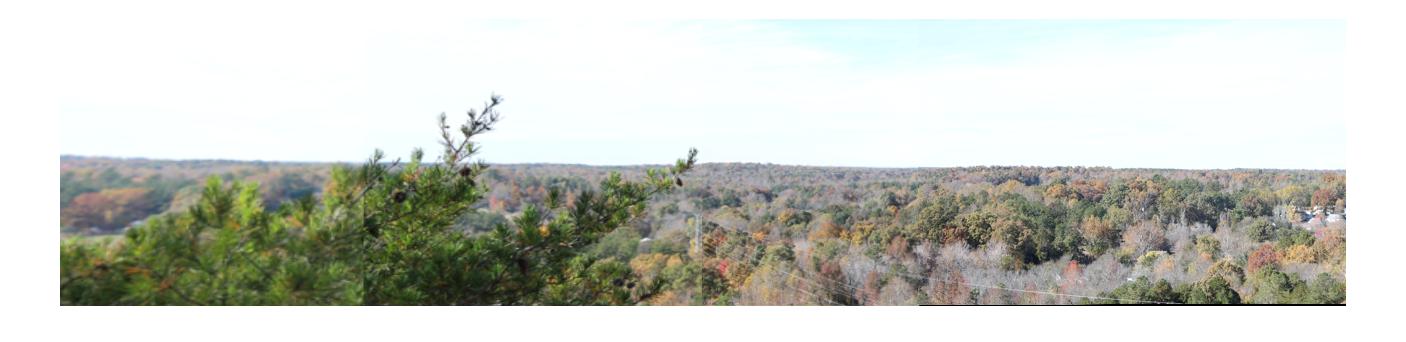
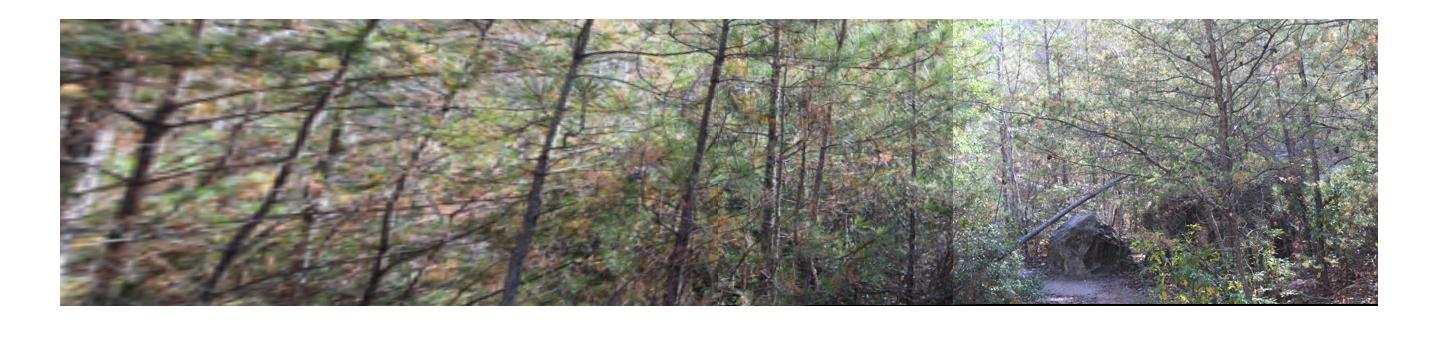
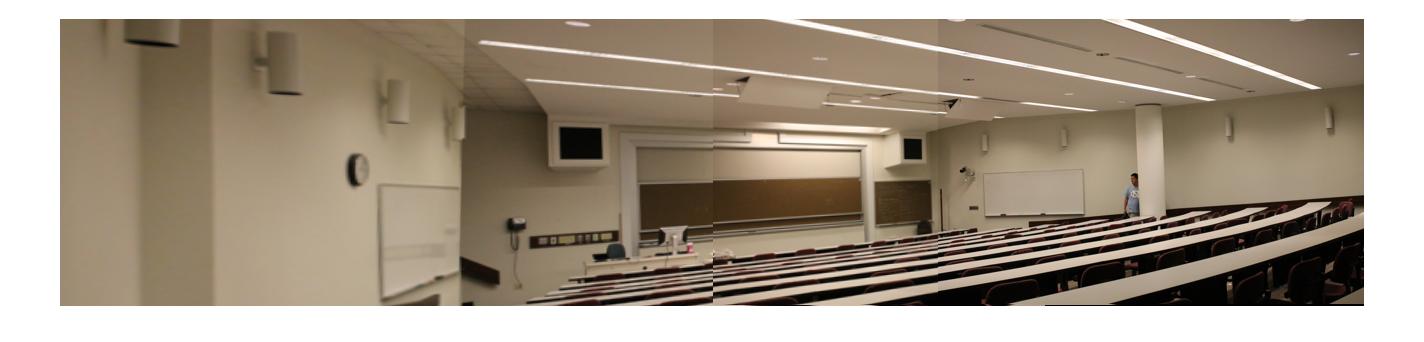
There was quite a bit of distortion in the last set of result images (the images in which I stitches image1&2, then image3&4, and stitched those results. This is understandable because iamge 1 and image 4 were not connected except through their relationship with their neighboring images. This differs from the earlier sets of result images where all images had some points of correspondence between themselves and the second image. There were some results that ended up looking distorted because of too few keypoints (the last one, for example, may have turned out better with more keypoints). In addition to these errors, I should have blended my stitched images to get a smoother final image (especially for the outdoor scenes where lighting might have changed from the sun going behind a cloud or other such things). All in all, though, I'd say this assignment was pretty successful!
Note: I collaborated with Raul Estrada on this project.
Website design by Yipin Zhou.